 Svev
Svev
 Svev & Sviv Lite
 Sviv
Sviv
 CloudSpinner

Studio OSC Remote
Privacy Policy | Terms of Service
Rask OSC-basert monitorkontroll
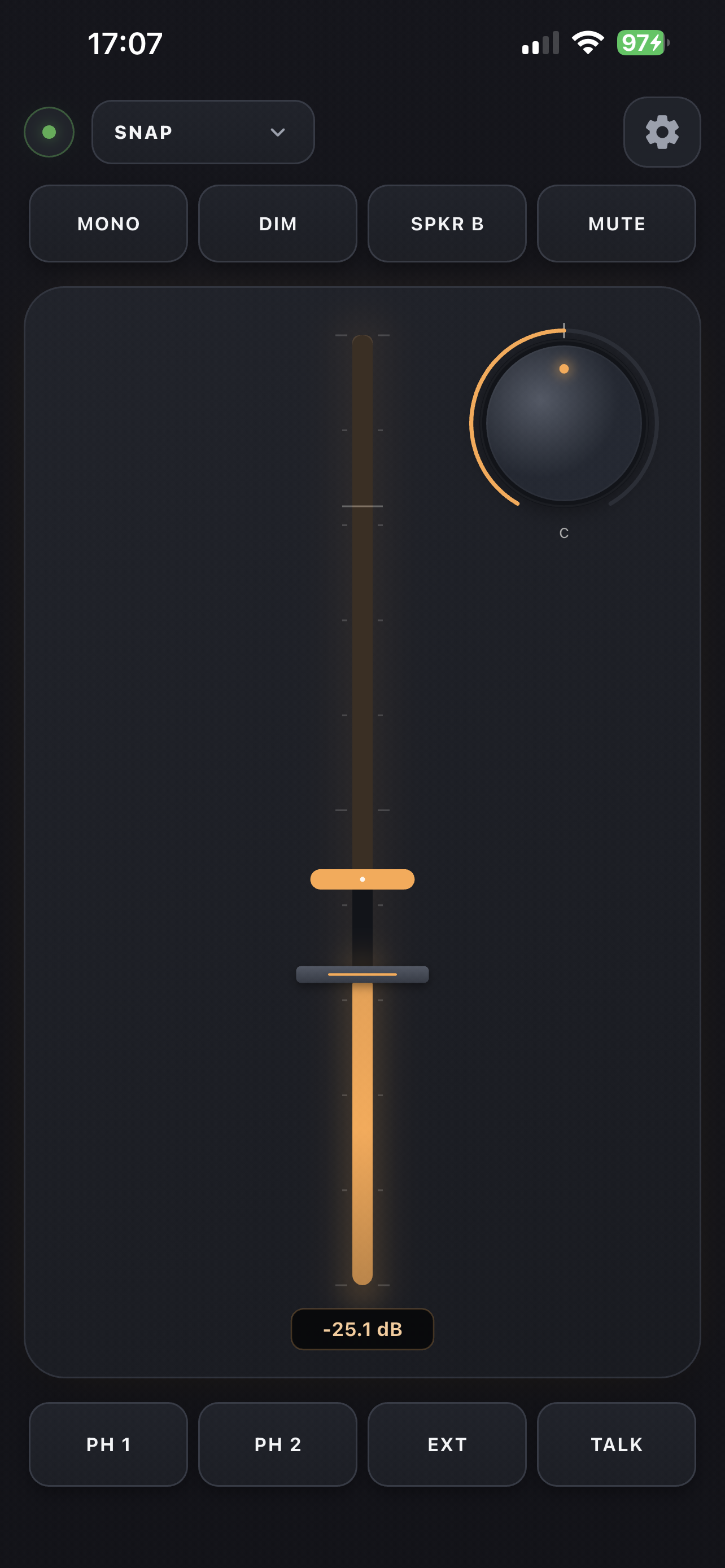
Studio OSC Remote – ein kompakt fjernkontroll for OSC-kompatibelt lydutstyr, laga for rask tilgang til monitorvolum, mute, dim, mono, talkback, høgttalarval og snapshots.
Last ned
Tilgjengeleg på iPhone og Mac


Om Studio OSC Remote
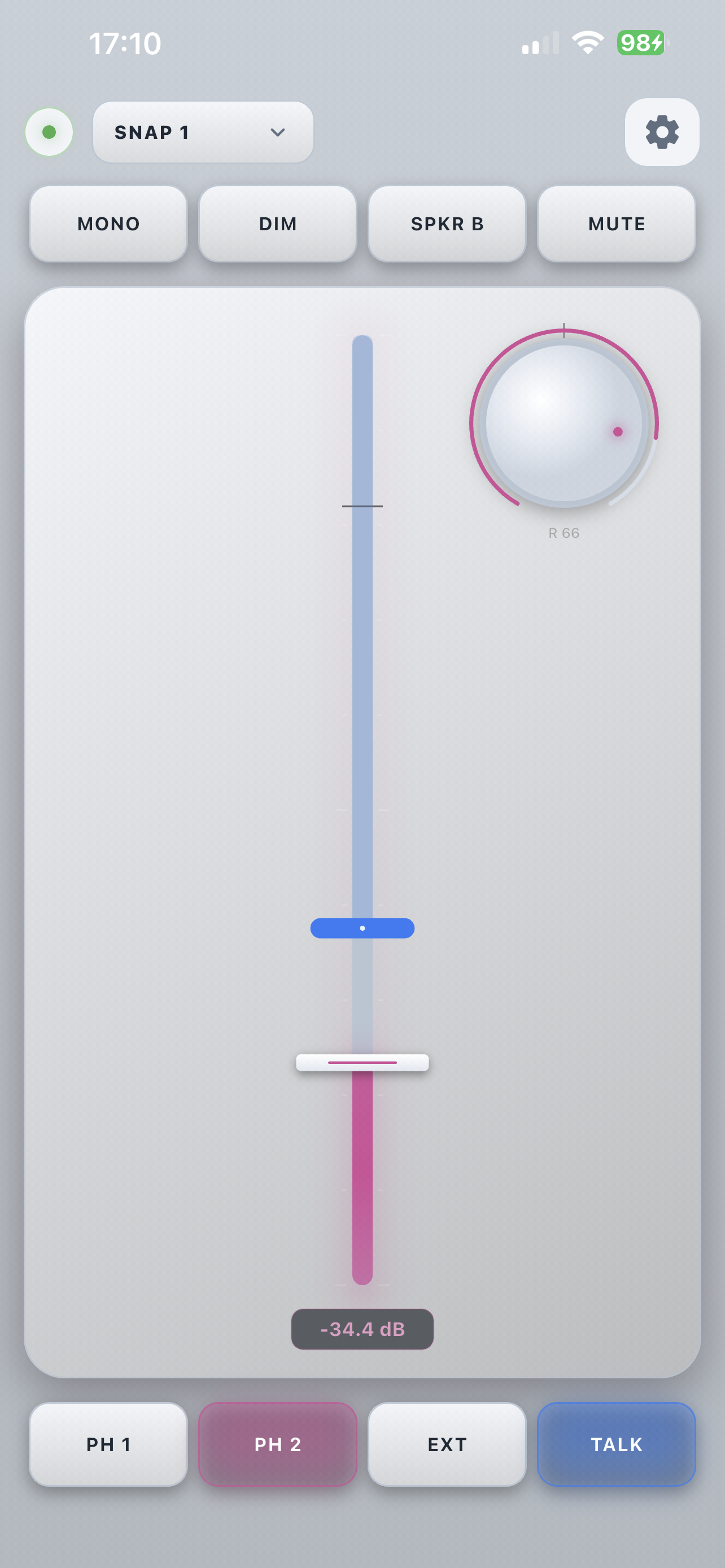
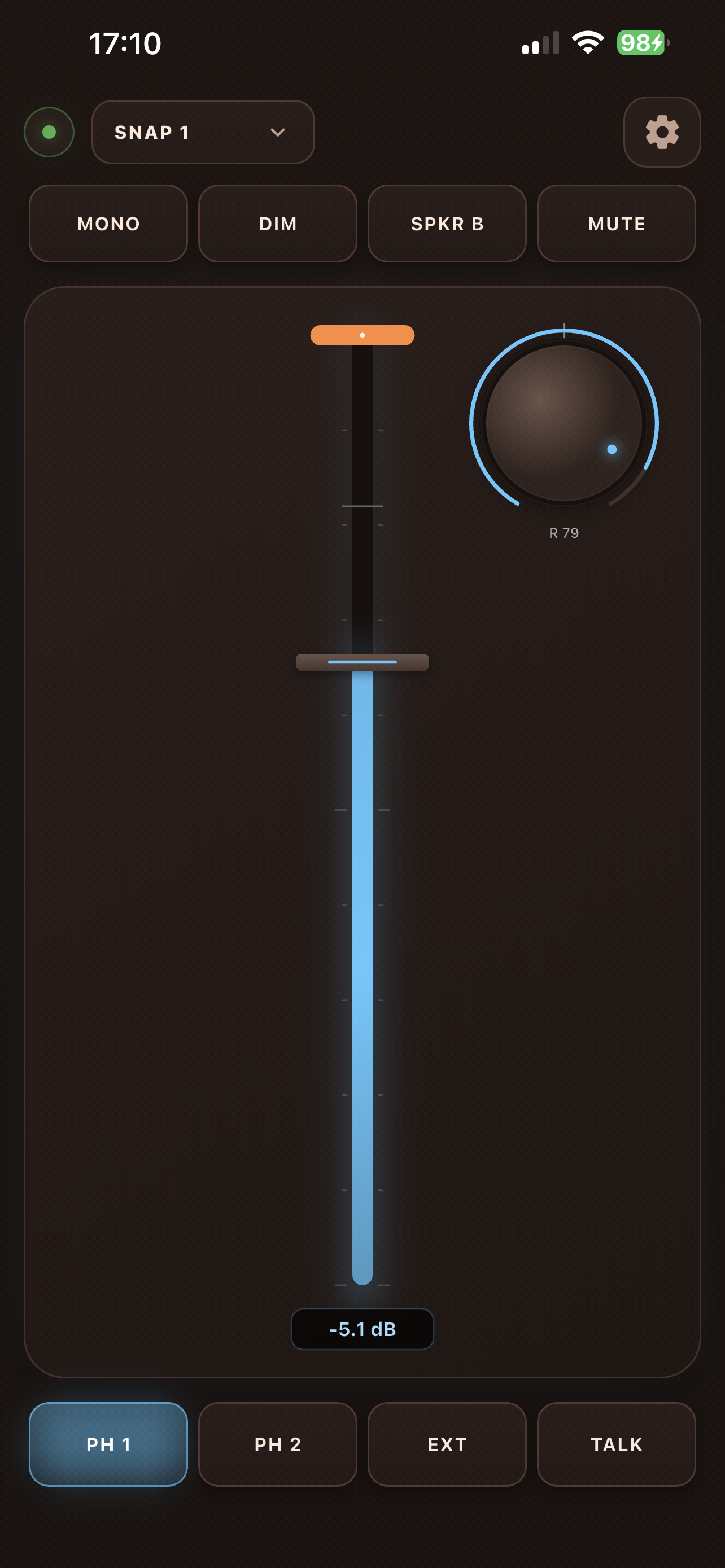
Studio OSC Remote gjev lydteknikarar og skaparar ein rask, taktil programvarefjernkontroll for OSC-kompatibelt lydutstyr. Appen er bygd for rask tilgang til grunnleggjande monitorfunksjonar på Mac og iPhone, med reint oppsett, tema du kan tilpasse, og støtte for tastatursnarvegar og MIDI-kontroll.
Kopla til OSC-kompatible lydsystem over det lokale nettverket via OSC (Open Sound Control) og styr dei viktigaste monitorfunksjonane direkte frå ein kompakt fjernkontroll. TotalMix FX er eitt døme på ei løysing som kan brukast med dette oppsettet.
Funksjonar
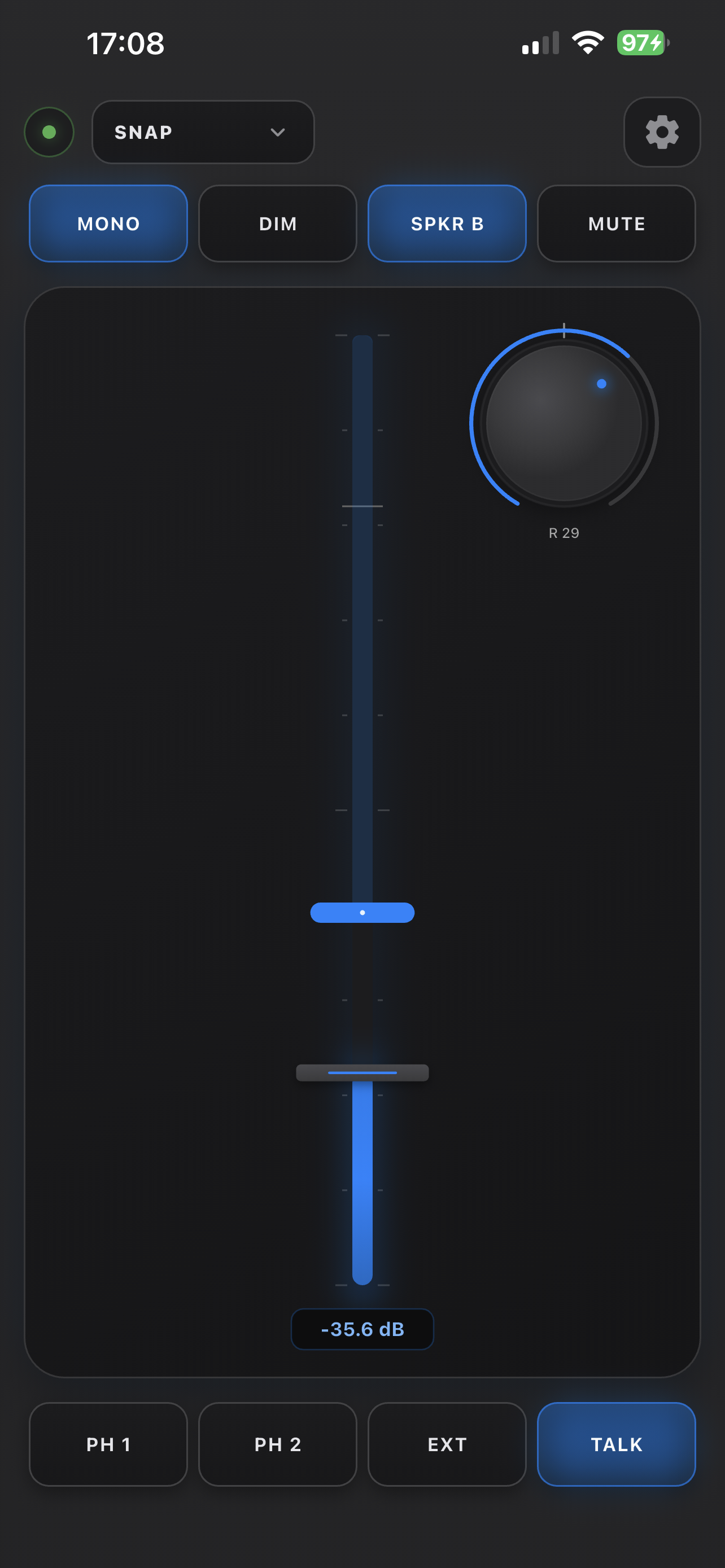
Monitorvolum
Juster hovudvolumet direkte
Mute
Demp utgangen umiddelbart
Dim
Senk monitorvolumet raskt
Mono
Slå saman til mono for referanselytting
Talkback
Snakk til utøvarane i studio
Speaker B
Byt mellom høgttalarpar
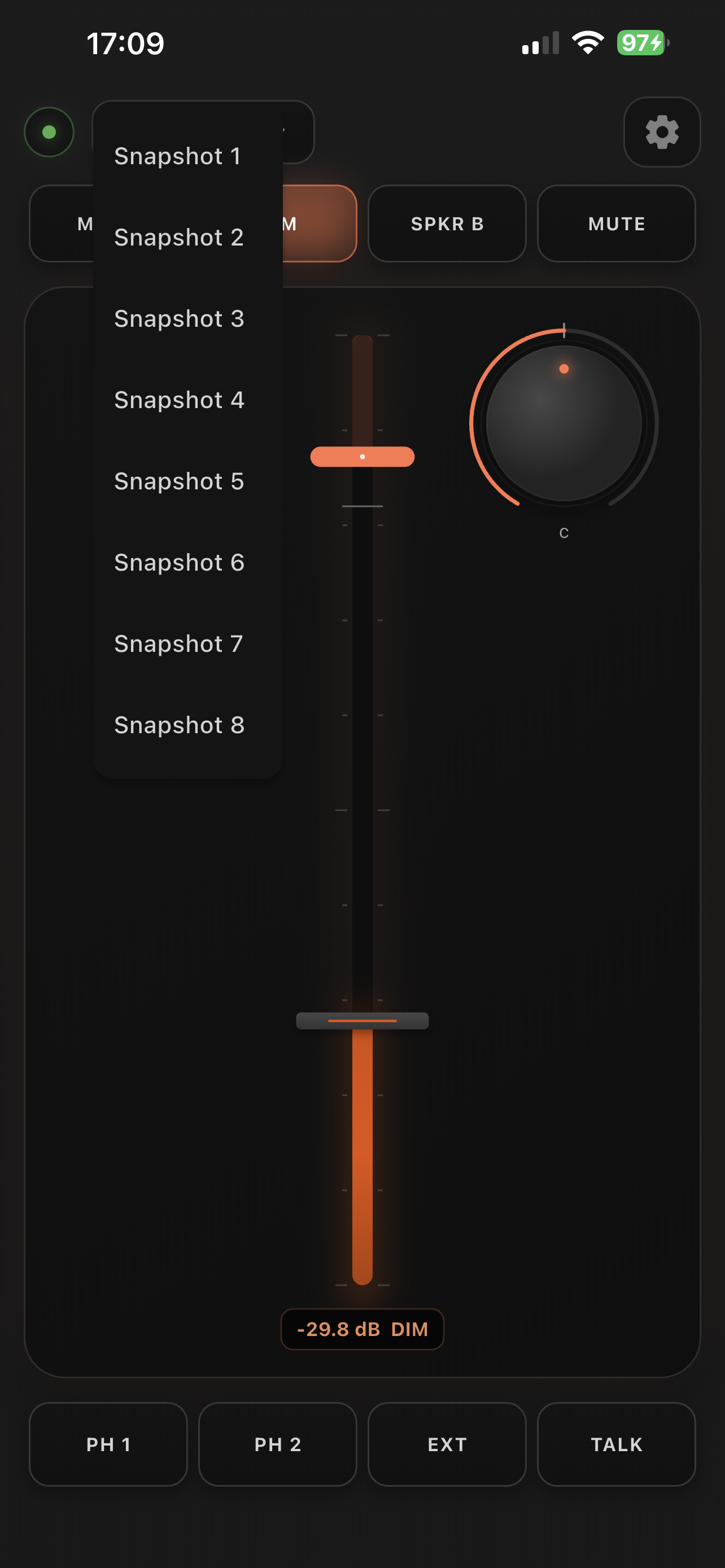
Snapshots
Hent fram snapshot 1–8 for ulike oppsett
Tastatursnarvegar
Kontroller alt frå tastaturet
MIDI-kontroll
Bind eksterne MIDI-kontrollarar til appfunksjonar
Desktop-visningar
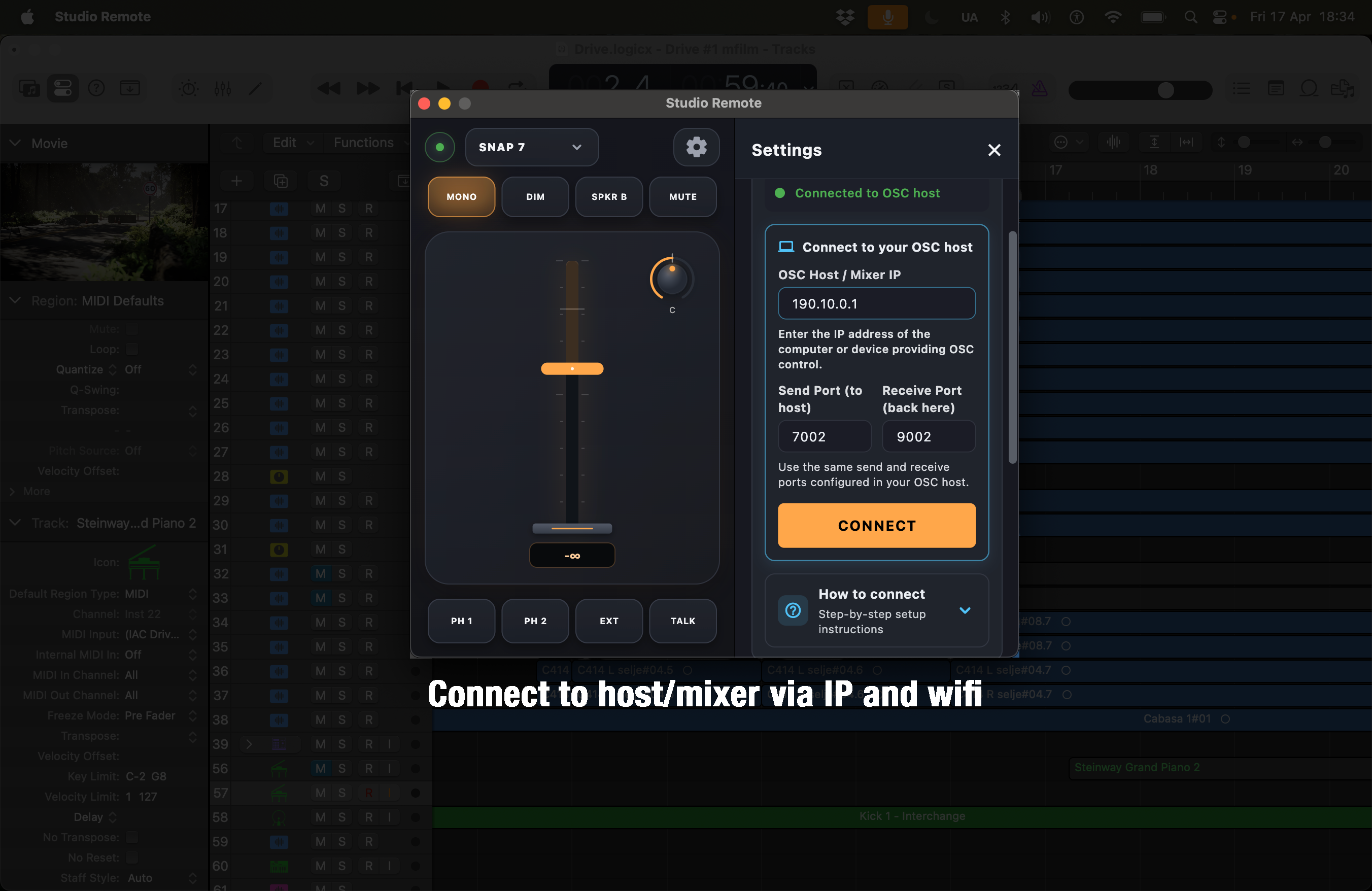
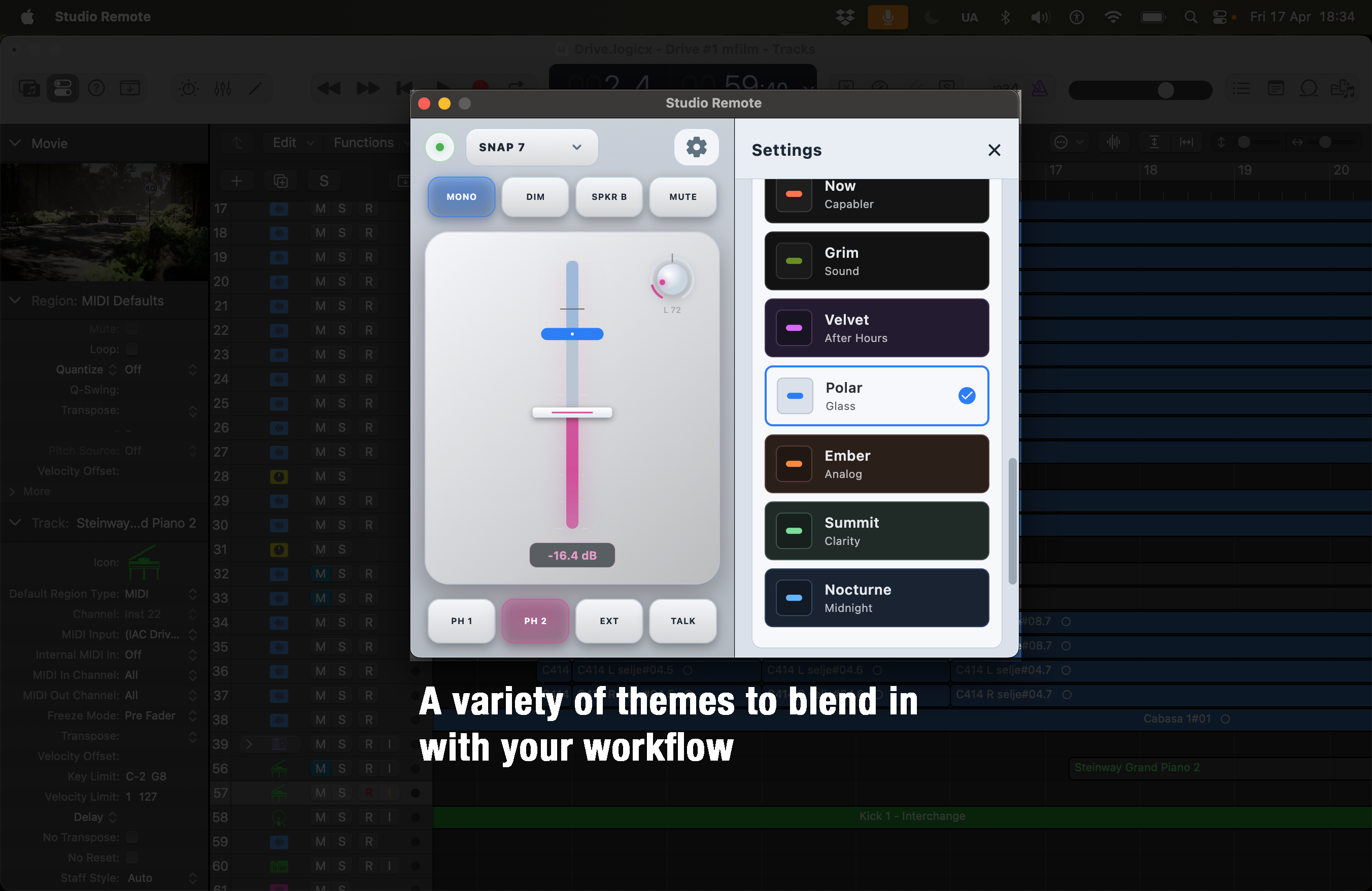
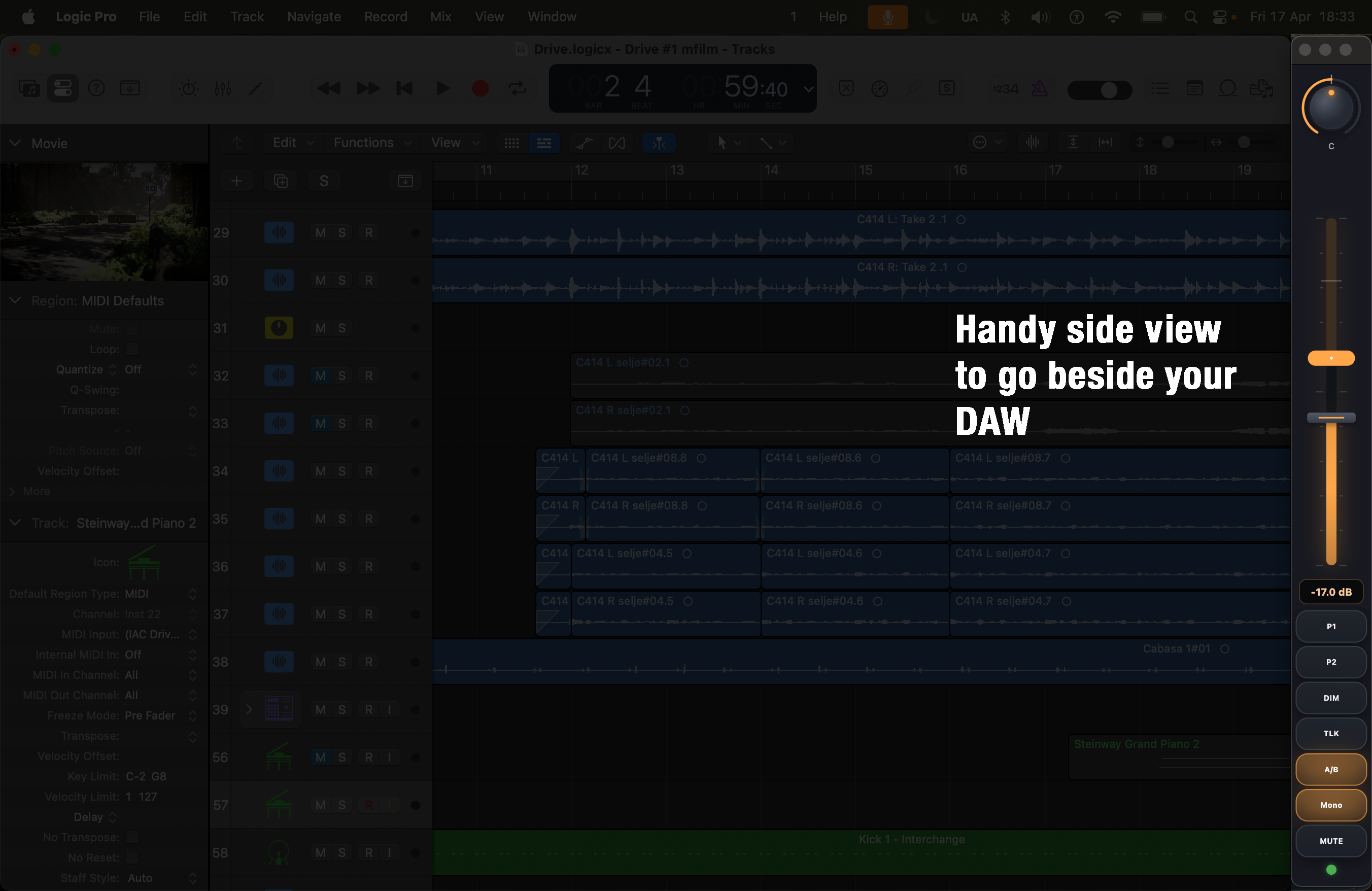
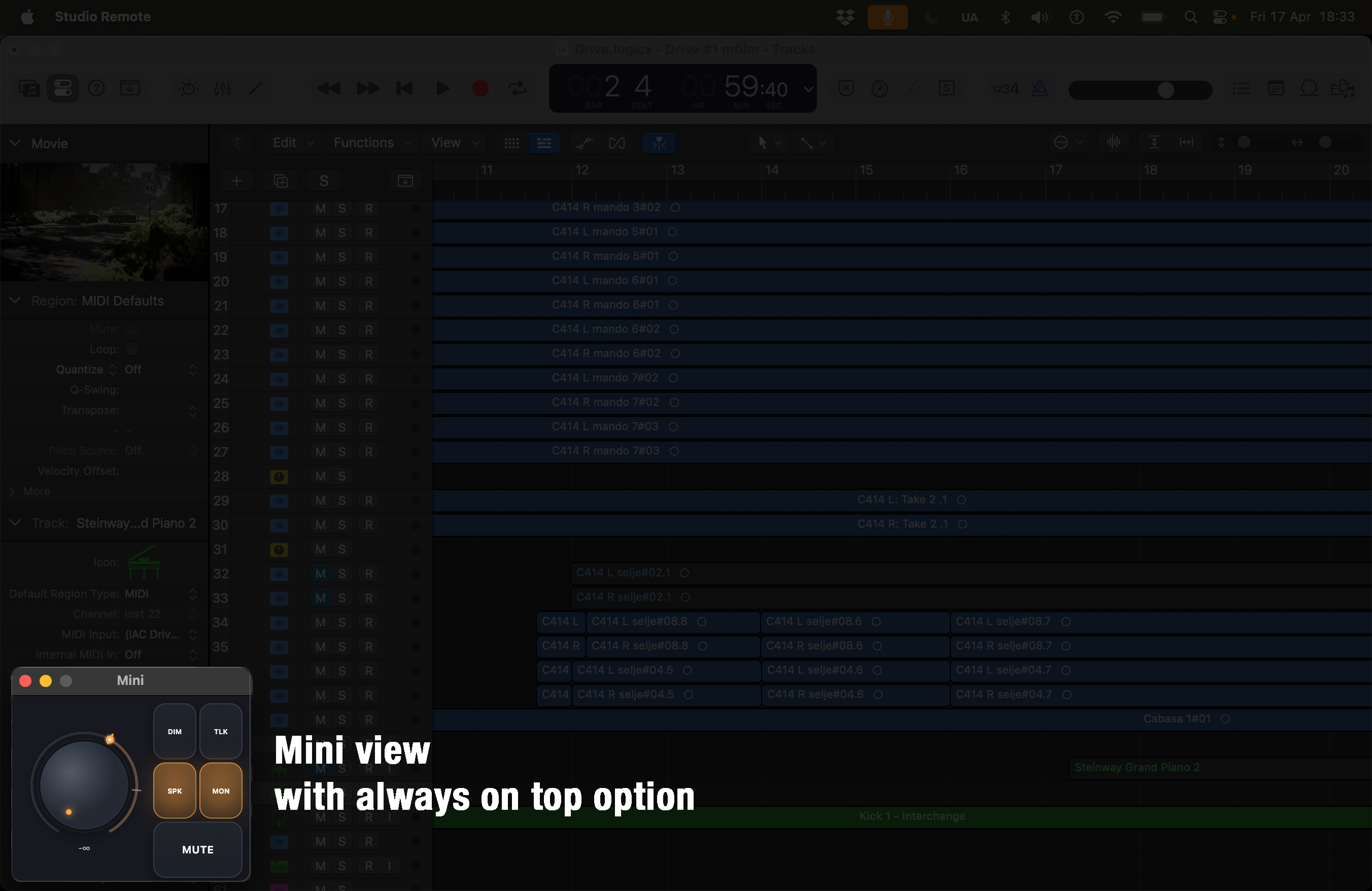
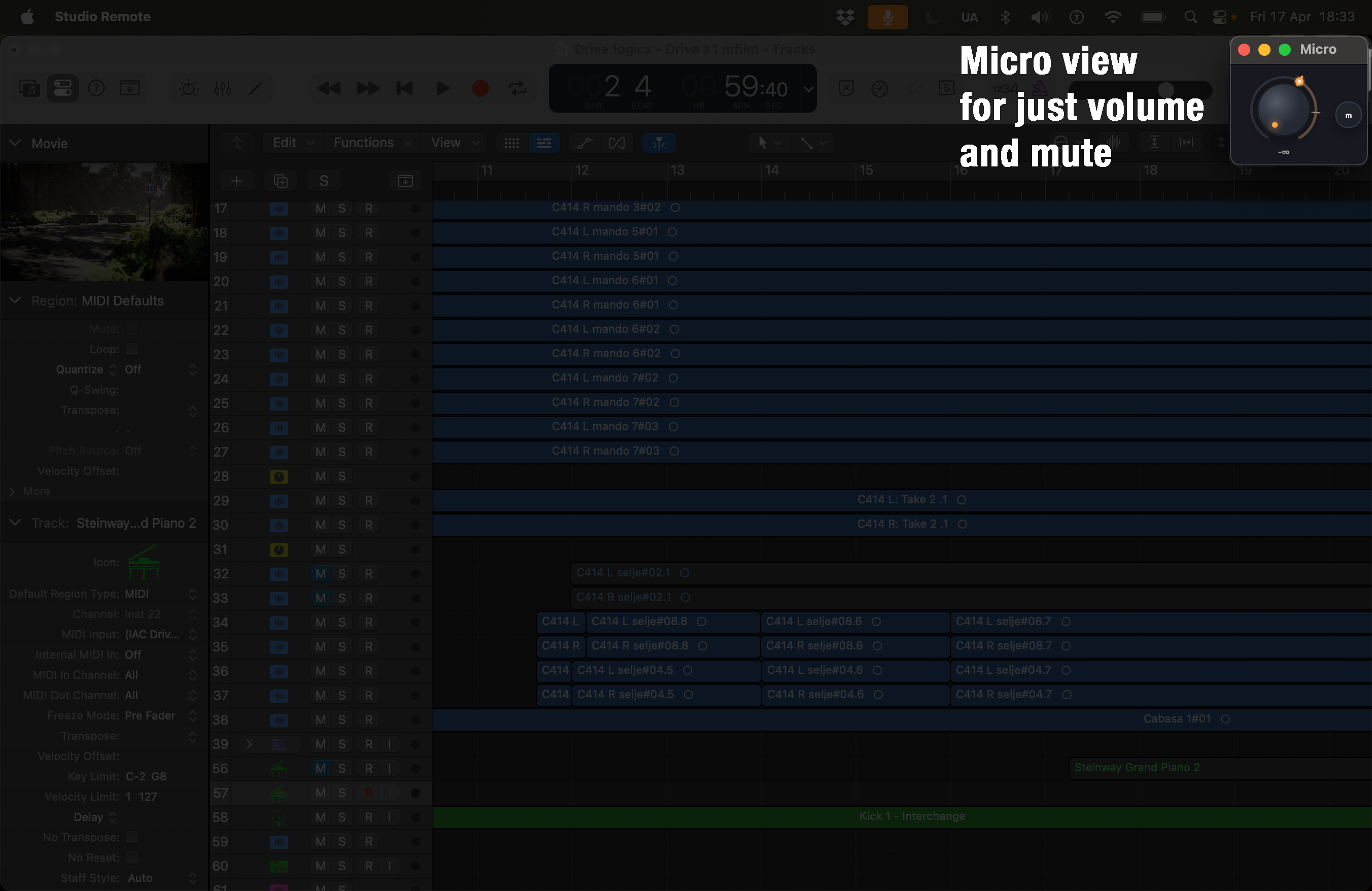
På Mac støttar Studio OSC Remote fleire kompakte vindaugsmodusar: Normal – fullt fjernkontrolloppsett, Side – smal stripe for skjermkant, og Mini – liten kompaktkontrollar. Vindauget kan setjast til alltid øvst og kan endrast i storleik og plassering.
Krav
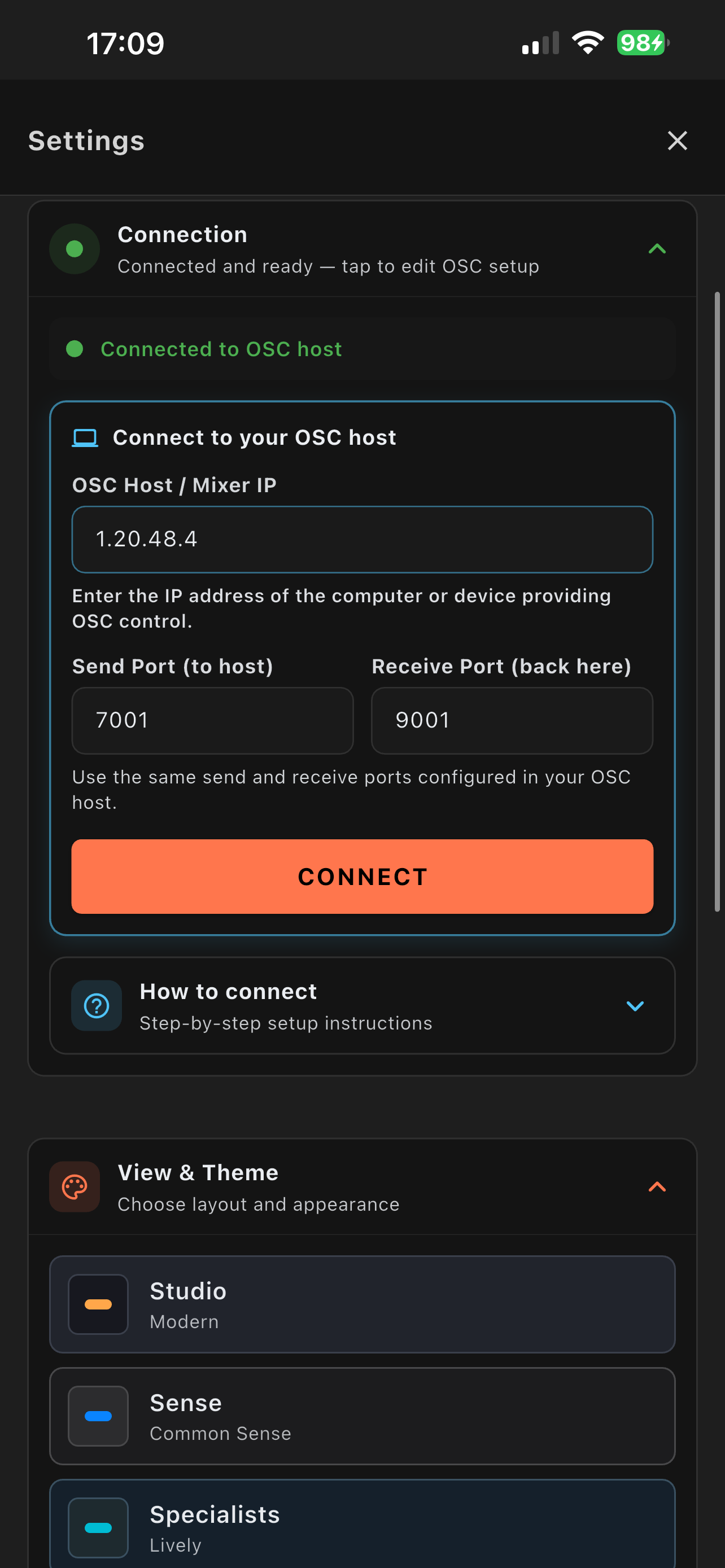
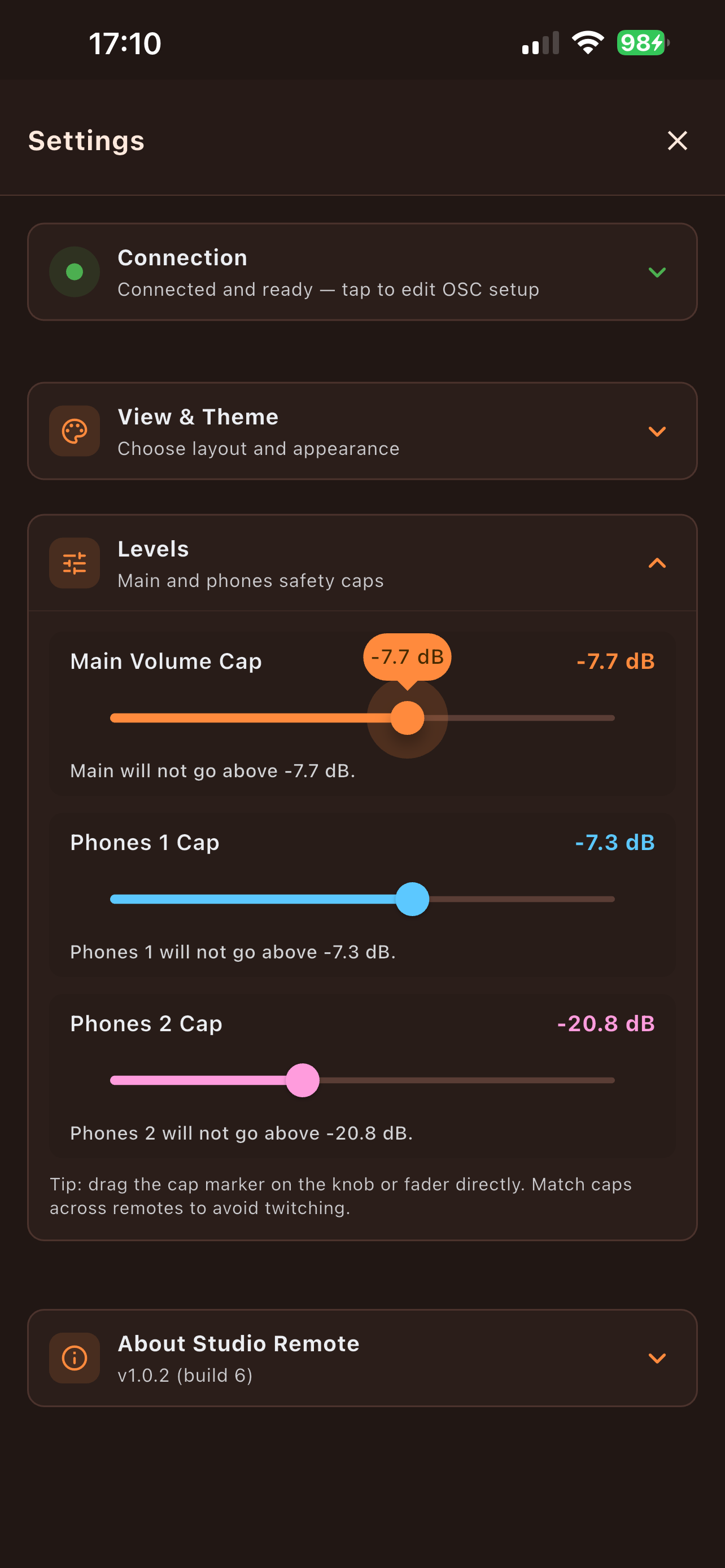
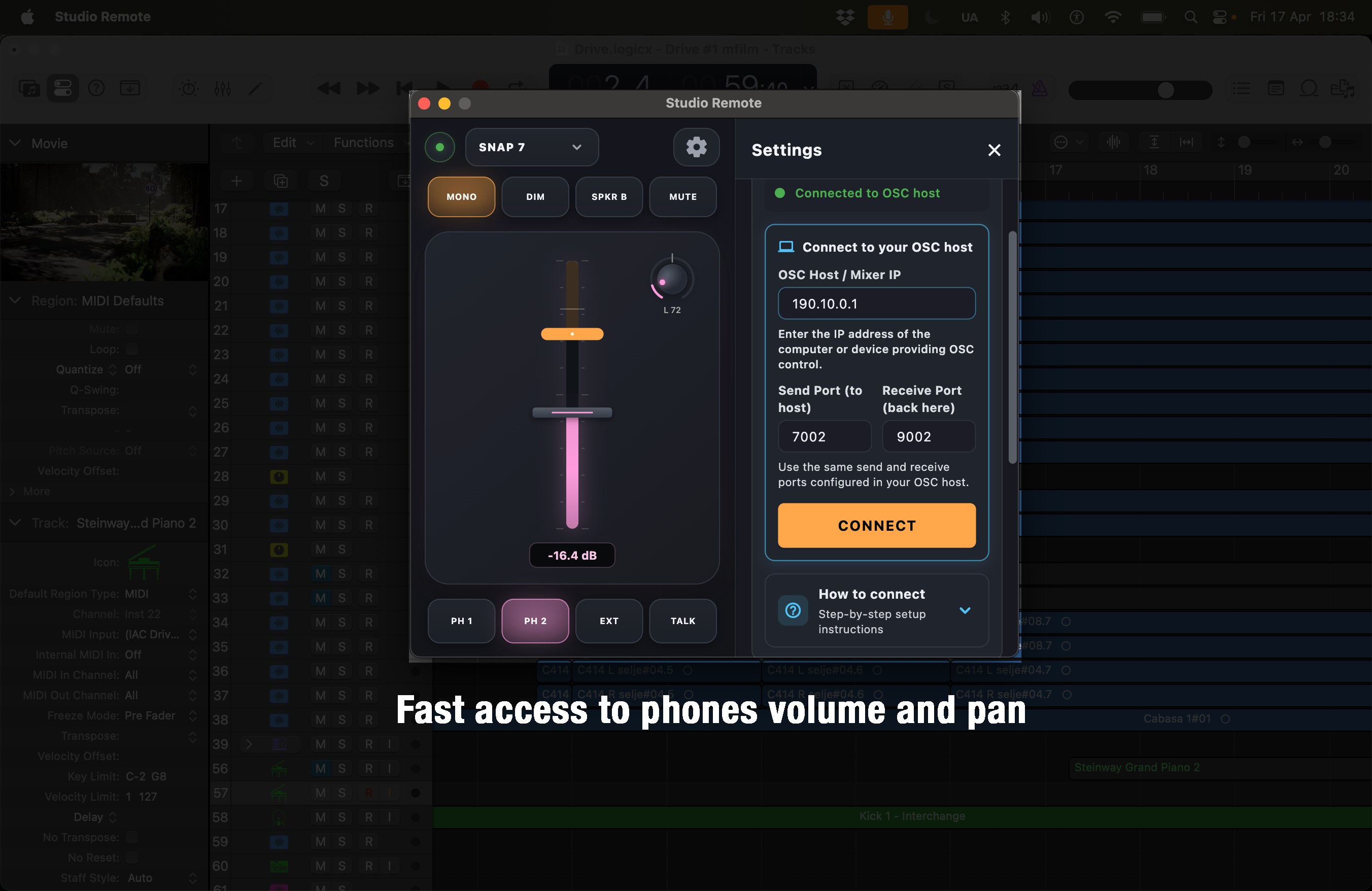
Studio OSC Remote krev eit OSC-kompatibelt oppsett og
nettverkstilkopling mellom appen og mål-maskina. Standard
tilkoplingsinnstillingar er Host: 127.0.0.1, Send-port:
7001, Motta-port: 9001 – alle kan endrast
i innstillingane. TotalMix FX er kompatibelt når OSC er sett opp.
Skjermbilete
iOS
macOS
Relaterte appar
Studio OSC Remote
Privacy Policy | Terms of Service
Fast OSC-based monitor control
Studio OSC Remote – a compact remote control for OSC-compatible audio hardware, designed for fast access to monitor volume, mute, dim, mono, talkback, speaker switching, and snapshots.
Download
Available on iPhone and Mac
About Studio OSC Remote
Studio OSC Remote gives engineers and creators a fast, tactile-feeling software remote for OSC-compatible audio systems. It is built for quick access to essential monitor functions on desktop and iPhone, with clean layouts, customizable themes, and support for keyboard shortcuts and MIDI control.
Connect to OSC-compatible audio systems over your local network using OSC (Open Sound Control) and control the most important monitor functions directly from a compact remote. TotalMix FX is one example of a compatible OSC-based workflow.
Features
Monitor Volume
Adjust the main volume directly
Mute
Silence the output instantly
Dim
Quickly lower monitor volume
Mono
Collapse to mono for reference listening
Talkback
Communicate with performers in the studio
Speaker B
Switch between speaker pairs
Snapshots
Recall snapshots 1–8 for different setups
Keyboard Shortcuts
Control everything from the keyboard
MIDI Control
Bind external MIDI controllers to app actions
Desktop Views
On desktop, Studio OSC Remote supports multiple compact window modes: Normal – full remote layout, Side – narrow strip for edge-of-screen use, and Mini – small compact controller. The window can be set to always on top and resized or repositioned freely.
Requirements
Studio OSC Remote requires an OSC-compatible setup and local network
connectivity between the app and the target machine. Default
connection settings are Host: 127.0.0.1, Send port:
7001, Receive port: 9001 – all
configurable in the app settings. TotalMix FX is one example of a
supported OSC workflow.
Screenshots
iOS
macOS